Seedance 2.0 Platform Deep Dive: Your Guide to ByteDance's Most Powerful AI Video Generator (Seedance Chinese Tutorial)
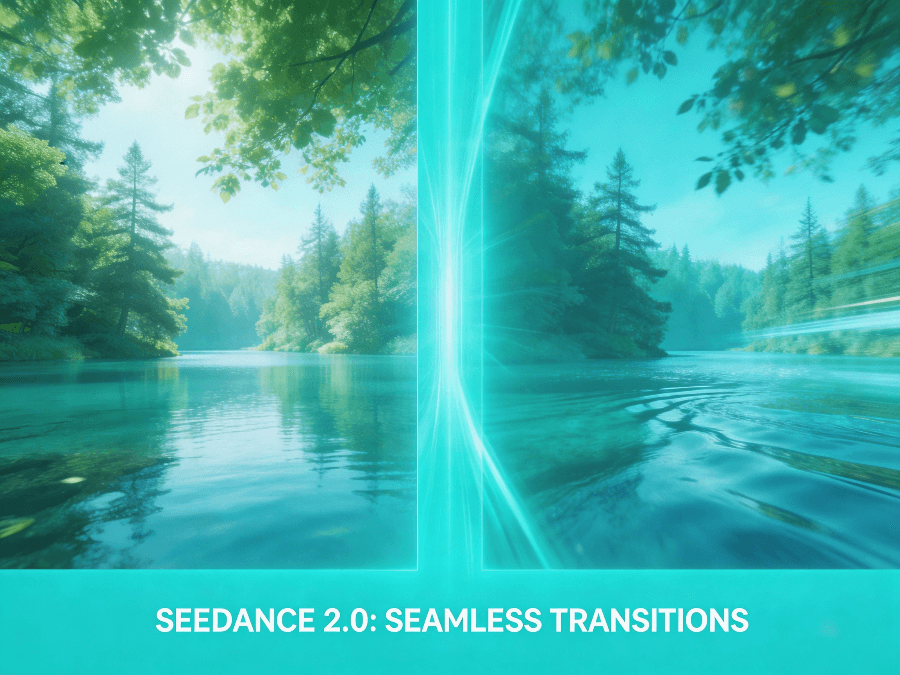
With the official release of ByteDance’s Seedance 2.0 Platform, the field of AI video generation has experienced a “seismic” update. Creators worldwide are amazed: this isn’t just generating videos; it’s “shooting” videos.
If you’re looking for tips on using Seedance in Chinese, or want to know what makes this new model so powerful, you’ve come to the right place. This article will take you deep into understanding this tool and teach you how to create cinematic masterpieces on Seedance22.com.
What is the Seedance 2.0 Platform?
Simply put, the Seedance 2.0 Platform is a powerful tool that lets you “type out videos.” Compared to other AI tools on the market, its biggest breakthrough lies in solving the common problems of “fakeness” and “instability” in AI videos.
The current Seedance 2.0 not only understands complex Chinese/English prompts but also precisely controls the physics and camera language within the scene.
Core Feature 1: True Physics Engine
Many AI-generated videos look off because they violate basic physics (e.g., people walking without their feet touching the ground, or objects disappearing into thin air).
Seedance 2.0’s model has been significantly upgraded. It now understands gravity, inertia, and collision. When you describe a scene like “running to a sudden stop” or “an object falling” on Seedance22.com, the AI generates animations based on real physical logic, greatly enhancing the video’s smoothness and realism.
Check out this camera movement demo generated by Seedance, noting the environmental stability:
Seedance 2.0 Platform Demo: Precise camera push/pull and stable environment rendering.
Core Feature 2: Hollywood-Level Camera Control
Previously, AI videos often had static or randomly moving shots. But on the Seedance 2.0 Platform, you are the director.
The model supports professional film terminology. You can add the following instructions to your prompt to control the perspective:
- Orbit Shot: Makes the camera rotate around the subject, perfect for showcasing product details.
- Follow Shot: The lens closely follows the protagonist’s movement, creating immersion.
- Zoom In/Out: Changes the focal length to emphasize emotion or environment.
If you’re unsure how to describe it in words, players in the Seedance Chinese community have discovered a trick: simply upload a reference video, and Seedance 2.0 can automatically learn that video’s camera movement style and apply it to your creation.
Complex Camera Movement Demo: Maintaining visual coherence in dynamic scenes.
Must-Read for Beginners: The Universal Prompt Formula
Want to generate the perfect video on Seedance22.com in one go? We recommend saving this universal formula:
Formula: 【Who is doing what action】+【In what environment】+【How is the shot filmed】
Example:
- An astronaut-suited girl is jumping on the lunar surface (action), with a backdrop of a brilliant Milky Way starry sky (environment), shot from a low-angle looking up with a slow push-in (camera movement).
Remember, the more specific your description (e.g., adding speed words like “slowly” or “suddenly”), the more Seedance 2.0’s output will match your expectations.
Summary
The emergence of the Seedance 2.0 Platform has lowered the barrier to video creation to its minimum. Whether you’re creating short videos for social media or commercial advertisements, its powerful physics simulation and camera control can meet your needs.
No more expensive photography equipment is needed. Head over to Seedance22.com now and direct your first blockbuster with AI!