Where is the Seedance 2.0 Official Website Entry? Latest Addresses Summary
Seedance 2.0 is an AI video generation model launched by ByteDance, known for its outstanding multimodal reference capabilities and hailed as one of the “strongest AI video generation models on the planet.” Many people ask where the Seedance 2.0 official website entry is. Below is a direct summary of the latest addresses and ways to access it.
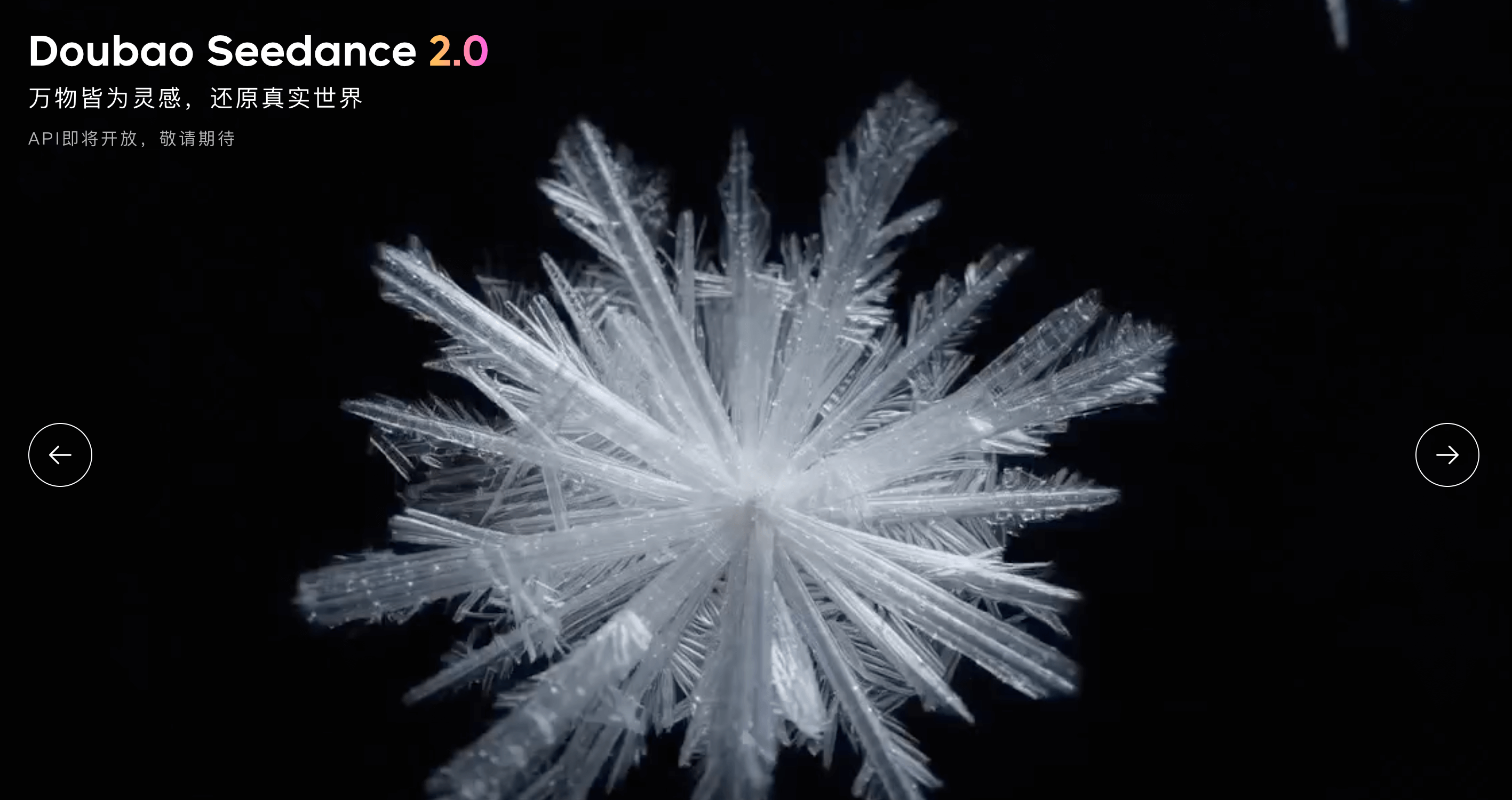
What is Seedance 2.0?
Seedance 2.0 adopts a unified multimodal audio-video joint generation architecture, supporting four types of input modalities: text, images, audio, and video. It integrates the industry’s most comprehensive multimodal content reference and editing capabilities to date. Compared to version 1.5, it shows significant improvements in generation quality, usability in complex interactions and motion scenes, physical accuracy, and controllability, making it more suitable for industrial-grade creative scenarios.
Key highlights include: higher usability and motion stability in complex scenes; support for mixed inputs of up to 9 images, 3 video clips, 3 audio clips, and natural language instructions; improved instruction following and consistency, supporting controllable video extension and editing; support for 15-second high-quality multi-shot audio-video output and dual-channel audio. Seedance 2.0 has been integrated into platforms such as Jimeng AI and Doubao, and can be directly experienced through the following entry points.
Seedance 2.0 Official Website and Official Entry Points
- ByteDance Official Experience Page (Seedance 2.0 Introduction and Entry)
https://seed.bytedance.com/zh/seedance2_0
This is the official introduction and entry page for Seedance 2.0, where you can learn about its capabilities before being redirected to various integrated platforms for use.
Summary of 7 Major Experience Entry Points (Recommended to Bookmark)
1. Jimeng AI (Official Website)
- URL: https://jimeng.jianying.com
- In the video generation interface, select the Seedance 2.0 model to use. Approximately 66 free credits are provided daily, allowing for the generation of about 11 seconds of video. This platform offers the most comprehensive features.
2. Jimeng APP
- Install the Jimeng APP on your mobile device. In the “Video Generation” section, select the S2.0 / S2.0 Fast model. Note: Uploading materials with real human faces is currently not supported; use accordingly.
3. Doubao Web Version
- URL: https://www.doubao.com/ or doubao.com/chat/create-image
- In “AI Creation,” switch to “Video Generation” and select the Seedance 2.0 model.
4. Doubao APP
- Synchronized with the web version, currently offering Seedance 2.0 (including the Fast version). Select the corresponding model in the video generation entry.
5. Volcano Ark Experience Center
- URL: https://volcengine.com/experience/ark
- More technical in nature, providing approximately 500,000 free tokens. Suitable for users who want to deeply experience Seedance 2.0.
The above is the latest summary of the Seedance 2.0 official website entry and main experience channels. Whether accessing through Jimeng, Doubao, or Volcano Ark, simply look for the Seedance 2.0 model to start generating. Bookmark this article for easy reference to the entry points.