
Seedance 2.0 Video Lacks Cinematic Quality? Your Prompts Are Missing These Director-Level Camera Movement Techniques
Many videos generated with Seedance 2.0 lack professional and cinematic quality, and the root cause is the absence of clear camera movement instructions in prompts. By adding the camera movement terms compiled in this article to your prompts, you can significantly improve your video effects and easily achieve professional production levels.
1. Basic Movement Shots: Bring Your Scenes to Life
Basic camera movement is the foundation of dynamic visuals, and using it appropriately can quickly enhance video appeal and narrative capabilities.
1. Push/Pull Shots: Precisely Control Character Emotion
- Slow Push-In: Gradually move closer to the subject to focus attention or build tension. Prompt reference: Camera slowly pushes in toward the subject.
- Fast Pull-Out: Instantly move backward to show the contrast between the character and their environment. Prompt reference: Camera quickly pulls back from close-up to wide shot.
- Macro Slow Push: Extremely slow movement toward tiny details to create suspense. Prompt reference: Macro lens, very slow push into local details.
- Reveal Pull-Back: Move backward while gradually revealing the larger environment, perfect for openings. Prompt reference: Camera pulls backward, gradually revealing the vast scene.
- Intimacy Push-In: Move closer to the character’s face to build psychological connection with the audience. Prompt reference: Camera smoothly pushes toward the character’s face.
- Distance Pull-Back: Move away from the character to convey coldness or scene conclusion. Prompt reference: Camera slowly pulls back from beside the character.
2. Movement Trajectories: Skillfully Guide Viewer Attention
- Pan Follow Shot: Horizontally follow moving objects to showcase items or scenes one by one. Prompt reference: Camera pans horizontally, following the moving subject.
- Vertical Crane Shot: Move the camera up and down to show height differences. Prompt reference: Camera vertically rises/falls.
- Diagonal Movement Shot: Move diagonally to create a sense of instability. Prompt reference: Camera moves diagonally across the frame.
- Arc Orbit Shot: Move halfway around the subject to show dimensionality from all angles. Prompt reference: Camera orbits the subject in a semicircular arc.
- Parabolic Movement Shot: Move in a parabolic arc to enhance dynamic energy. Prompt reference: Camera moves in a parabolic trajectory over the subject.
- Z-Axis Dolly Shot: Move straight forward/backward to emphasize spatial depth. Prompt reference: Camera moves along the Z-axis with deep focus.
3. Special Movements: Increase Realism
- Handheld Dynamic Shot: Simulate the slight shake of a handheld camera for greater realism. Prompt reference: Handheld camera style with natural, subtle breathing shake.
- Track Dolly Shot: Extremely smooth horizontal sliding movement. Prompt reference: Track dolly shot, perfectly smooth horizontal movement.
- 360° Rotation Shot: Spin completely around the subject to create dizziness or comprehensive observation effect. Prompt reference: Camera orbits the central subject in a full 360° rotation.
- Dive Descend Shot: Rush down from high altitude to create intense pressure. Prompt reference: Camera quickly dives downward from high overhead angle.
- Climb Upward Shot: Rise rapidly from low angle, perfect for hero entrance scenes. Prompt reference: Camera rapidly ascends from low angle looking upward.
- Whip Pan Movement: Quickly pan between subjects for dynamic transitions. Prompt reference: Fast whip pan between two subjects.
2. Emotional Expression Shots: Perfectly Showcase Inner Worlds
Through special camera language, you can concretize characters’ inner thoughts and emotional states, allowing the audience to feel more immersed.
1. Subtle Emotions: Amplify Physical Reaction Details
- Trembling Close-Up: Magnify details like shaking hands or trembling lips. Prompt reference: Extreme close-up of trembling [body part], with high-frequency micro-shake.
- Pupil Dilation Shot: Extreme close-up of eyes widening in the moment of realization. Prompt reference: Extreme macro close-up of eye, pupil dilating.
- Tear Tracking Shot: Follow the trajectory of a single tear falling down the cheek. Prompt reference: Macro tracking shot, following a single tear as it falls.
- Static Long Take: Camera remains completely still, holding on the character for an extended period. Prompt reference: Long take, completely static, locked on the character’s gaze.
- Breathing Follow Shot: Camera moves up and down in sync with the character’s heavy breathing. Prompt reference: Camera rises and falls in sync with the character’s heavy breathing.
2. Psychological States: Concretize Abstract Feelings
- Vertigo Rotation Shot: Frame continuously rotates to show dizziness or mental confusion. Prompt reference: Vertigo effect, camera continuously rotating.
- Focus Rack In: Gradually change from blurry to clear to show regaining consciousness. Prompt reference: Focus gradually transitions from blurry to sharp and clear.
- Focus Rack Out: Gradually change from clear to blurry to show fainting or disorientation. Prompt reference: Frame slowly loses focus, transitioning to complete blur.
- Dutch Tilt Shot: Frame gradually tilts to show psychological breakdown. Prompt reference: Dynamic Dutch angle, gradually increasing tilt to enhance sense of imbalance.
- Shaky Cam Effect: Violent, erratic shaking to show being hit or dodging. Prompt reference: Erratic, violent camera shake simulating dodging movements.
3. Relationship Shots: Showcase Tension Between Characters
- Hug Orbit Shot: Circle around two people embracing. Prompt reference: Camera smoothly orbits two people embracing.
- Argument Jump Cut: Rapidly cut back and forth between two characters’ faces during an argument. Prompt reference: Fast jump cuts between two characters during argument.
- Lonely Wide Shot: Shoot a tiny figure in a vast, empty environment. Prompt reference: Ultra-wide angle lens, character appears small in huge empty space.
- Oppressive Overhead Shot: Shoot directly down on a character from above to create a feeling of being suppressed. Prompt reference: High-angle overhead shot looking directly down at character, creating oppressive feeling.
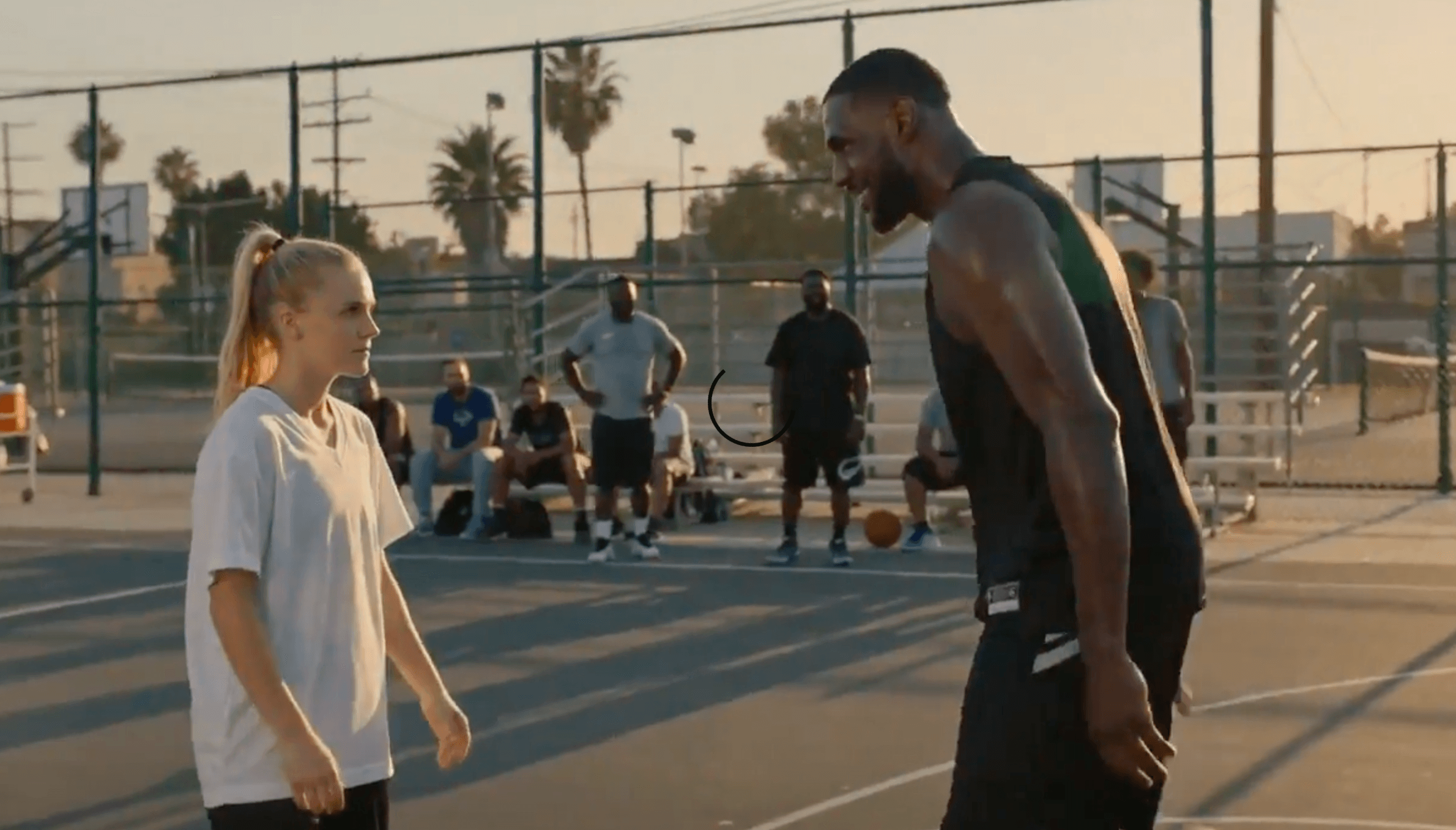
- Powerless Low Angle: Shoot upward at a character from low position to show weakness or admiration. Prompt reference: Low-angle shot looking up at character, conveying sense of powerlessness.
3. Action Shots: Capture Intense Impact
Action scenes have the highest camera movement requirements, and using the right techniques can make fight scenes more exciting and impactful.
1. Stealth Action Scenes
- Sneak Movement Shot: Follow the character’s extremely slow, quiet movements. Prompt reference: Extremely slow, stealthy camera follow movement.
- Sniper Scope View: Add scope frame and breathing shake effect. Prompt reference: Sniper scope perspective with crosshair overlay and breathing movement.
2. Chase Scenes
- Car Chase Shot: Add bumping and motion blur effects. Prompt reference: Car chase follow shot with strong up-and-down bumping and motion blur.
- Parkour Follow Shot: Follow character jumping with varying heights. Prompt reference: Parkour follow shot, camera height changes with character’s jumps.
- Sprint Side Follow: Run alongside the character from a side angle. Prompt reference: High-speed side pan following running character.
- Climb Low Angle Follow: Follow character’s climbing movement from below. Prompt reference: Low-angle follow shot, camera ascends with character as they climb.
3. Fight Scenes
- Combat Follow Shot: Move violently and stop suddenly in sync with punches and kicks. Prompt reference: Close-quarters combat follow, camera moves violently with punches.
- Flying Kick Dive: Simulate camera attached to the foot during a kick. Prompt reference: Camera follows flying kick movement, diving quickly toward target.
- Roll Dodge Follow: Follow character rolling on the ground from low angle. Prompt reference: Ground-level camera following character performing roll dodge.
- Sword Slash Whip Pan: Follow the weapon’s swing path with rapid camera movement. Prompt reference: Rapid camera whip pan following weapon swing trajectory.
- Block Impact Shake: Camera shakes violently for a single frame when weapons clash. Prompt reference: Single violent frame shake at the moment of weapon impact.
- Spin Attack Sync: Camera rotates in sync with the character’s spinning attack. Prompt reference: Camera rotates in sync with character’s spinning attack movement.
- Combo Wide Shot: Pull back to capture both characters’ special moves simultaneously. Prompt reference: Wide shot capturing both characters using special abilities in sync.
4. Special Action Scenes
- Obstacle Jump Sync: Move in sync with the character as they jump over a wall. Prompt reference: Camera simulates jumping over obstacle alongside the character.
- Door Breach Push: Camera pushes forward violently as if breaking through the door. Prompt reference: Camera pushes violently forward, penetrating the breaking door.
- Injury Stagger Effect: Camera wobbles unsteadily in sync with injured character’s gait. Prompt reference: Unsteady camera shake simulating injured character’s staggering walk.
- Slow Jump Ascent: Slow down camera movement during jumps to emphasize air time. Prompt reference: Camera follows jump in slow motion, emphasizing hang time.
4. Creative Effect Shots: Achieve Special Visual Results
For more creative videos, these special effect shots can help you realize all kinds of wild ideas.
1. Frame Distortion Effects
- Fisheye Warp: Create spherical distortion at frame edges. Prompt reference: Fisheye lens effect with strong spherical distortion at frame edges.
- Tilt-Shift Miniature: Make scenes look like toy models. Prompt reference: Tilt-shift lens effect creating miniature toy model appearance.
- X-Ray Vision: See through objects to bones or internal structures. Prompt reference: X-ray vision effect showing internal bones.
- Wall Penetration: Camera moves through solid walls to reveal scenes behind. Prompt reference: Camera penetrates solid wall to reveal scene behind.
- Thermal Imaging: Create infrared camera heat map effect. Prompt reference: Thermal imaging vision showing infrared temperature distribution.
2. Time Manipulation Effects
- Time Reverse: Play all actions backward. Prompt reference: Time reverse effect with completely reversed motion trajectories.
- Motion Blur Trails: Leave semi-transparent trails behind fast-moving subjects. Prompt reference: Motion blur trails, semi-transparent afterimages behind moving subject.
3. Style Transformation Effects
- Kaleidoscope Effect: Create symmetrical, geometric reflections of the frame. Prompt reference: Kaleidoscope visual effect with symmetrical geometric reflections.
- Ink Wash Effect: Transform into Chinese ink painting diffusion effect. Prompt reference: Transition to ink wash diffusion effect.
- Vintage Film Effect: Add grain, scratches, and flicker to the frame. Prompt reference: Vintage film texture with grain, scratches, and flicker.
- Glitch Art Effect: Create digital distortion, color separation, and screen tearing. Prompt reference: Digital glitch art with color dispersion and pixel tearing.
- Digital Pixelation: Subject dissolves into code or pixel blocks. Prompt reference: Subject disintegrates into digital code or pixel blocks.
Master these director-level camera techniques and you’ll be able to generate professionally cinematic videos in Seedance 2.0. Try these techniques now and take your AI video creation to the next level!