
In the wave of AI video generation, Seedance 2.0 stands out with its powerful semantic understanding ability and excellent visual expressiveness. But many people encounter the same confusion: using the same model, others generate blockbuster movies, but their own works always seem to be missing something.
The secret lies in how you write your prompts.
This article compiles a set of specialized prompt techniques for Seedance 2.0 that you can apply directly. From basic formulas to advanced camera movement, no complex learning required - just copy and use on your phone, helping you easily master text-to-video, image-to-video, multi-shot scheduling, character consistency and other scenarios.
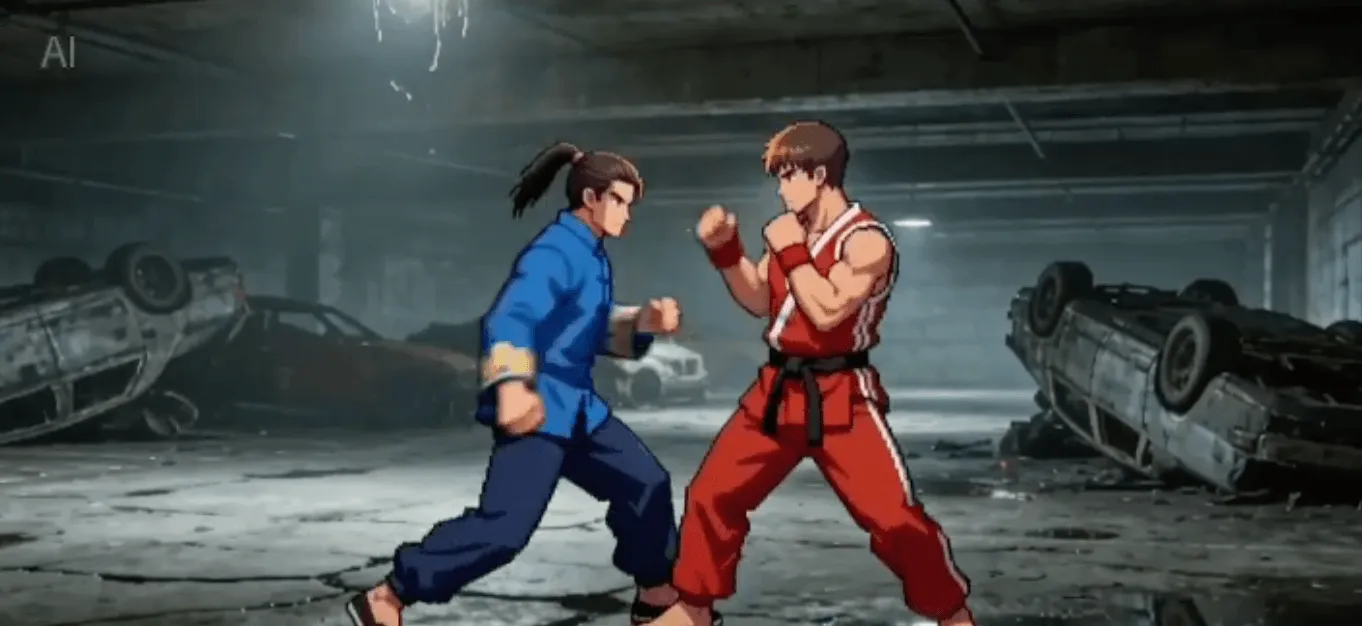
1. Core Structure: Universal Formula
To consistently generate high-quality videos, first remember this universal formula, which has been verified by countless creators as the most reliable structure:
Subject + Action + Scene + Lighting + Camera Language + Style + Quality + Constraints
Example template:
A young woman walking slowly by the sea, breeze blowing her hair, smiling at the camera, warm dusk light, 4K HD, cinematic feel, stable camera movement, smooth picture without shaking, clear details.
This formula ensures that AI can get all necessary information dimensions, avoiding random, uncontrollable visual hallucinations.
2. Action Description Techniques: Seedance’s Strongest Feature
Seedance 2.0 has a strong ability to understand the nuance of actions, but only if you use the right descriptive vocabulary.
Core principle: Don’t just write dry words like “dancing” or “walking”, emphasize continuity, naturalness and slow motion.
✅ Priority use: slow, gentle, continuous, natural, smooth, not stiff ❌ Try to avoid: exaggerated, high-speed, complex multi-person interaction, large distortion
Useful verb combinations reference: Slow turn, gently raise hand, light step, slightly lower head, sway with wind Camera slowly pushes in, slight orbit, smooth follow shot
3. Camera & Movement: Instantly Improve Cinematic Feel
Seedance 2.0 has extremely strong recognition ability for professional cinematography terms. Adding these photography terms directly to your prompt can instantly enhance the “premium feel” of your video.
Shot Type Selection:
Close-up / Medium shot / Wide shot / Extreme close-up / Macro
Common Camera Movement Methods:
- Slow Dolly In
- Gentle Pull Back
- Smooth Truck
- Half Orbit
Stability Keywords:
Fixed shot, handheld stabilized, no shake, silky smooth
Practical example:
Medium shot, slow dolly in, stable follow shot, silky smooth picture without stuttering.
4. Character/Person Stability: Prevent Face Change and Distortion
This is the most troublesome problem for many creators. In Seedance 2.0, you must explicitly add constraint words to avoid such problems.
Key constraint words: Clear facial features, stable face, no distortion, no deformation Normal human structure, natural proportion, not stiff movement Same character, consistent clothing, unchanged hairstyle
Practical example:
Character face stable without distortion, normal human structure, natural and smooth movement.
5. Picture Quality: Must Add, One-Click Clarity Improvement
This is like turning on the “high quality” switch for your video. It is recommended to add these words fixed at the end of your prompt:
General quality words (can be copied directly):
4K, ultra HD, rich details, sharp clarity, cinematic texture, natural color, soft lighting, no blur, no ghosting, no flicker, stable picture.
6. Style & Atmosphere: Quick Production Techniques
According to the theme you want to express, directly select the corresponding style words:
- Daily/Vlog Category: healing fresh, aesthetic literary, Japanese fresh, Korean atmosphere
- Sci-Fi/Blockbuster Category: cyberpunk, dark high-end, vintage film, dreamy soft light
- Minimalism Category: minimal clean, high-end texture, real photography
7. Multi-shot/Storyboard Writing: Seedance 2.0’s Strength
Seedance 2.0 can understand chronological order. Try to describe camera changes in a narrative way, don’t write too fragmented.
Example:
Start with close-up of face, slowly pull back to wide shot, character walking slowly, camera following smoothly, end with smile freeze frame.
8. Avoidance Guide: Never Write These Words
To avoid wasting credits, be sure to avoid these pitfalls:
❌ Complex multi-person interaction: such as fighting, shaking hands, hugging, etc., prone to clipping problems ❌ Vague subjective words: such as “good-looking”, “beautiful”, “cool”, AI is difficult to understand these subjective descriptions, equivalent to writing nothing ❌ Conflicting requirements: such as “super fast running” and “extremely stable no blur” at the same time, inherently conflicting ❌ Sensitive content: pornography, violence, dangerous actions, copyrighted characters, etc., will be intercepted by the system
9. Directly Copyable Universal Templates
For everyone’s convenience, I have compiled templates for three high-frequency scenarios. Just copy directly and adjust the subject as needed.
Template 1: Aesthetic Portrait Short Video (Suitable for Xiaohongshu/TikTok)
A young woman walking slowly in the forest, breeze gently blowing her hair, natural smile, warm light, medium shot, slow dolly in, smooth and stable picture, 4K HD, cinematic feel, clear face without distortion, normal human structure, rich details.
Template 2: Atmospheric Landscape (Empty Shot Material)
Seaside sunset, waves gently patting the beach, camera slowly panning horizontally, warm orange tone, healing fresh, silky smooth picture, 4K ultra HD, no flicker no ghosting.
Template 3: Image to Video (First Frame Fixed, Prevent Collapse)
Keep character appearance and clothing consistent with reference image, slowly raise hand and turn around, natural and smooth, not stiff no distortion, stable camera movement, HD details, cinematic texture.
Skill Summary
- Write actions slow and continuous: Slow motion is easiest to produce high-quality works, avoid complex fast actions
- Write camera movement stable and simple: Complex camera movement can be left to post-editing, prioritize stability during generation
- Must add stable/no distortion/not stiff: This is the fuse to prevent picture collapse
- Add quality + style last: Ensure the video foundation is good enough
- Don’t write intense, complex, multi-person scenes: Exploit strengths and avoid weaknesses, give priority to AI’s advantages
Master these skills and you will be proficient in Seedance 2.0. Go generate your first “cinematic” shot now!